This section describes how you can setup your software development environment. This includes setting up a directory structure to organise the storage of your software projects. The next step involves setting up an integrated development environment (IDE). This is a software application that provides comprehensive facilities to computer programmers for software development. An IDE normally consists of at least a source code editor, build automation tools and a debugger.
The most basic IDE is the combination of a text editor (allowing you to edit your source code) and a command line terminal (allowing you to execute commands to build and run your source code).
Note
It is recommend to use a IDE for software development as they provide tools such as graphical debuggers to help improve efficiency of the software development process.
Common editors include Gedit, Vim on Linux, Text editor on Mac, and Notepad++ on Windows.
Note
It is recommend to use an editor such as Notepad++ that allows you to choose text file line-ending deliminators on Windows. See the following resource for more information (Converting from Windows-style to UNIX-style line endings).
PyCharm is an IDE specifically for Python programming. It is developed by the Czech company JetBrains. It provides code analysis, a graphical debugger, an integrated unit tester, integration with version control systems, ability to profile code (professional version required), and remotely debug your projects (professional version required).
Check the JetBrains Academic Licensing page to see if you qualify for a free educational license. This will provide free access to the Professional edition of PyCharm.
PyCharm has inbuilt PEP8 style checking. Selecting the code of interest and clicking the Code → Reformat code Pycharm menu option will automatically format your code according to PEP8.
Enable automatic saving of open files:
File → Settings → Appearance & Behavior → System Settings →
Synchronization → ☑ Save files automatically if application is idle for 5 sec.
File → Settings → Editor → General → Editor tabs → ☑ Mark modified (*)
Visual Studio Code combines the simplicity of a code editor with what developers need for their core edit-build-debug cycle. It provides comprehensive code editing, navigation, and understanding support along with lightweight debugging, a rich extensibility model, and lightweight integration with existing tools.
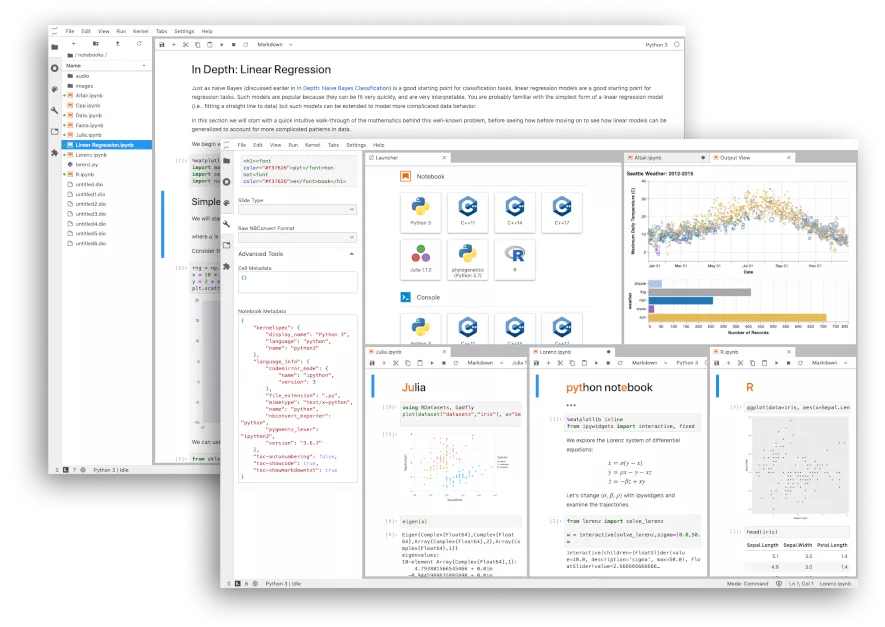
JupyterLab is a web-based interactive development environment for Jupyter notebooks, code, and data. JupyterLab is flexible: configure and arrange the user interface to support a wide range of workflows in data science, scientific computing, and machine learning. JupyterLab is extensible and modular: write plugins that add new components and integrate with existing ones.
Google Colaboratory or “Colab” for short is a free Python Jupyter notebook environment from Google Research that runs entirely in the cloud. There is no setup process. The notebooks that you create can be simultaneously edited by you and your collaborators — similar to how you can collaboratively edit documents in Google Docs. It is especially well suited to machine learning, data analysis and education and provides free access to computing resources including GPUs (Nvidia K80s, T4s, P4s and P100s).
If your team requires you to use in-house software as part of your projects then it may not be possible to access and build that software on cloud-based IDEs.
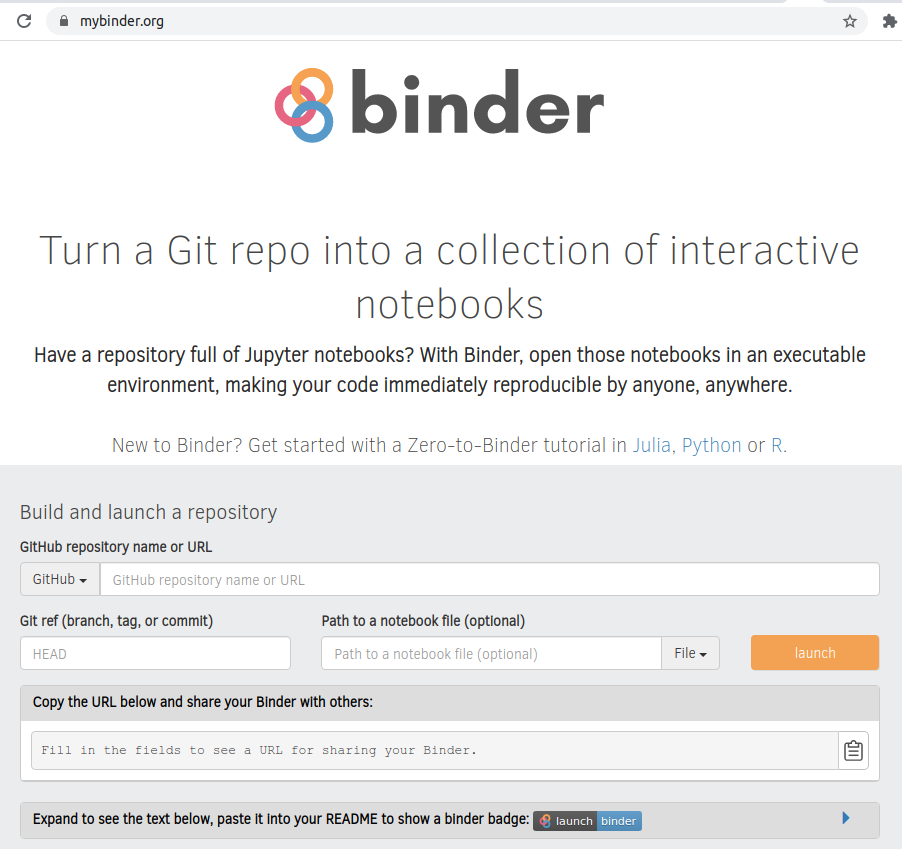
The Binder Project allow you to package and share interactive, reproducible environments. A Binder or “Binder-ready repository” is a code repository that contains both code and content to run, and configuration files for the environment needed to run it.
This allows you to take a code repository e.g .on Github that may contain Jupyter notebooks, and open those notebooks in an executable environment, making your code immediately reproducible by anyone, anywhere.
A BinderHub lets you launch a publicly executable version of a Binder repository. Given a URL to a repository, it generates a new URL that anyone can visit in a browser to interact with a running version of the code in that repository.
As part of best practices in software development, it is important that your software environment is replicable. To achieve this, it is recommended to run your IDE within a container or a online-based IDE.
We have setup a container-based development environment (called a software development container) to help researchers develop software for their projects. This development environment includes commonly used IDEs including PyCharm, Visual Studio Code, and JupyterLab and can be run on Linux, Mac, or Windows. This provides a replicable sandboxed environment for you to develop your software.